
How to Add Background Music to an AI-Generated Video
A mood-matched soundtrack can be added to an AI video in one step and rendered free on every future export — here's how that works, what it costs, and when to upload your own track instead.
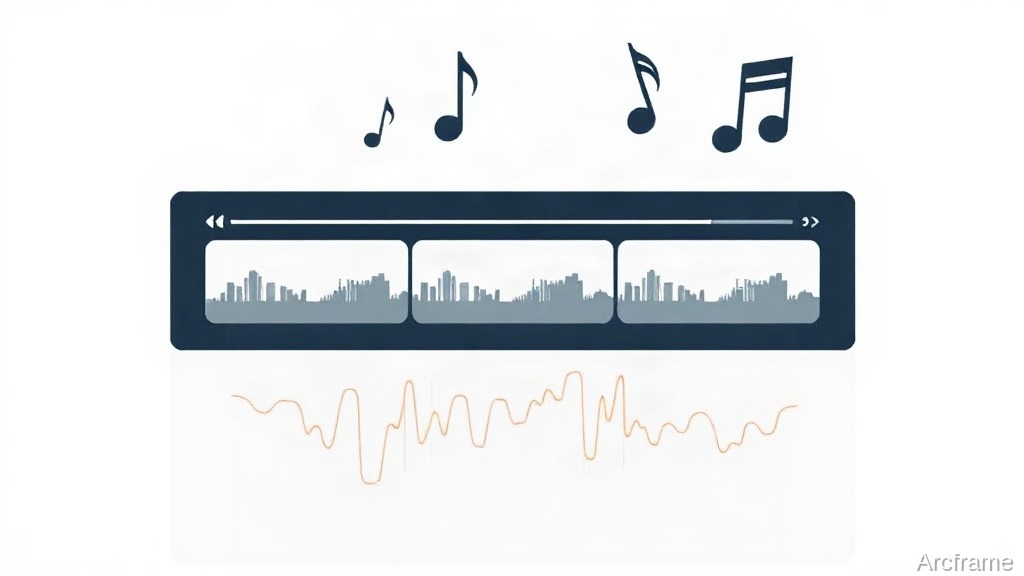
The fastest way is to generate the music as part of the video itself, not as a separate file you sync by hand: pick a mood (corporate, uplifting, calm, cinematic or upbeat), generate the track once, and it renders into every future export of that video automatically. No timeline-matching, no fade-out editing, no licensing search.
Why this is usually the slow part
Most AI video workflows treat music as an afterthought. You generate the clip, then separately hunt a royalty-free track, trim it to length, drop it into an editor, keyframe the volume so it ducks under narration, and re-export. Change one scene in the video and you redo the sync. That overhead is disproportionate to what the step actually needs to accomplish — a bed of sound that matches the tone and fills the runtime.
How it works when music is generated with the video
Inside a Studio design (the tool behind demo videos and animated explainers), background music is a setting on the design, not a separate asset you manage:
| Step | What happens | Cost |
|---|---|---|
| Choose a mood | Pick corporate, uplifting, calm, cinematic or upbeat (or "none") | Free |
| Generate the track | Run the music step once | Credits — see below |
| Render the video | Export the scenes as usual | Free, and the track carries over |
| Re-render later | Change a scene, export again | Still free — the track isn't regenerated |
That last row is the actual time saving: the track is tied to the design, not to a specific export, so iterating on the video doesn't mean re-doing the audio.
Choosing a music engine
Two models are available for the generation step, and they trade off differently:
| ElevenLabs | Stable Audio (Arcframe Music) | |
|---|---|---|
| Track length | Matches the video exactly, up to 5 minutes | Up to 190 seconds, then loops |
| Cost | 4 credits per 30 seconds | 9 credits flat |
| Best for | Longer videos, or when exact-length scoring matters | Short clips under ~3 minutes, fixed cost regardless of length |
For a 90-second demo video, ElevenLabs comes out to 12 credits; Stable Audio is 9 credits flat. For a 4-minute explainer, ElevenLabs scales up with length while Stable Audio's 190-second ceiling means it loops to fill the rest — so length, not just price, decides which one fits.
What this does not do
Honesty about the limits matters here as much as the pitch. The mood presets are a fixed list — corporate, uplifting, calm, cinematic, upbeat — not a searchable library, and neither engine lets you type "a slow piano track like X." If a specific licensed song or a track a client already owns has to be in the video, the Studio music step is the wrong tool: use the Timeline editor instead, where an audio file can be uploaded directly (MP3, WAV or AAC, up to 2 GB) and placed on its own track alongside the picture. That path gives frame-accurate control but loses the "generate once, render forever" convenience — it goes back to manual syncing.
Which path to use
| Situation | Use |
|---|---|
| Standard product demo or explainer, no specific track required | Studio's built-in music step |
| Video under 3 minutes, cost matters more than exact length | Stable Audio (Arcframe Music) |
| Longer video, or narration timing needs an exact-length bed | ElevenLabs |
| A specific licensed track, brand jingle, or client-supplied file | Timeline editor, upload and place manually |
Where this fits in the rest of the platform
Music generation sits alongside video, image, audio narration and 3D model generation on the same account and the same credit balance — there's no separate music subscription to add. It's also reachable the same way everything else is: through the web app at Studio, or through an MCP connection from Claude, ChatGPT or Cursor, which can drive the same design, render and music steps from inside a chat session. Full plan and current rates are at arcframe.ai/pricing; the free tier starts with 20 one-time credits and no card required, enough to test a mood against one short video before committing further.