
AI Video & Content Creation Blog
Tutorials on AI video generation, voice cloning, 3D modelling, image creation, and MCP agent workflows — from the Arcframe team.
How to Add Auto-Generated Captions to a Video With AI
Transcribe the video's own audio and burn word-timed captions onto the timeline for free — the catch is it captions what's spoken, it doesn't translate, so a Hindi clip gets Hindi captions, not English ones.
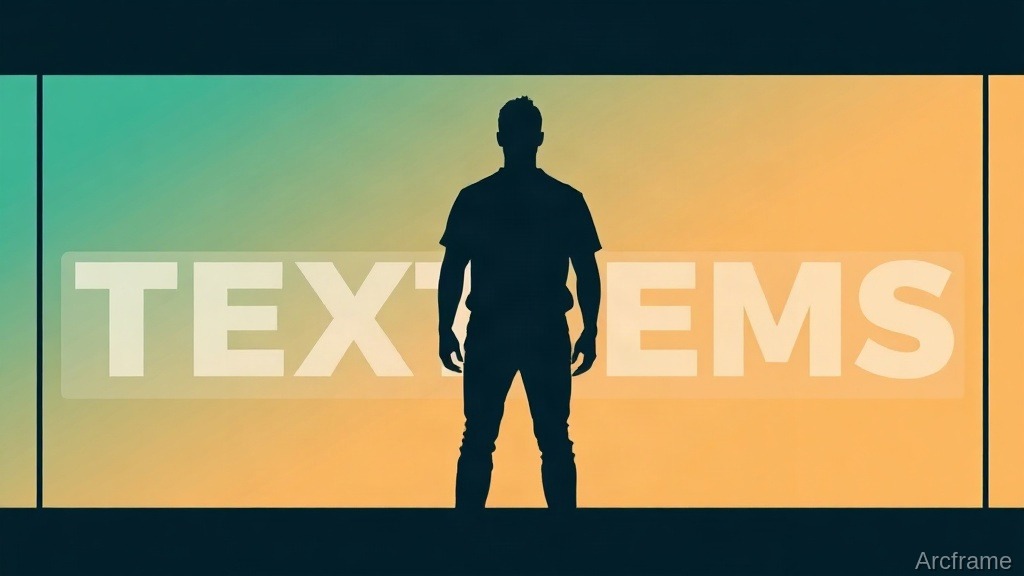
How to Make the Text-Behind-Subject Video Effect With AI
AI can cut a person out of a video clip onto its own layer, so text or graphics placed underneath show behind them and in front of the background — no green screen, no manual rotoscoping, done in a couple of minutes per clip.
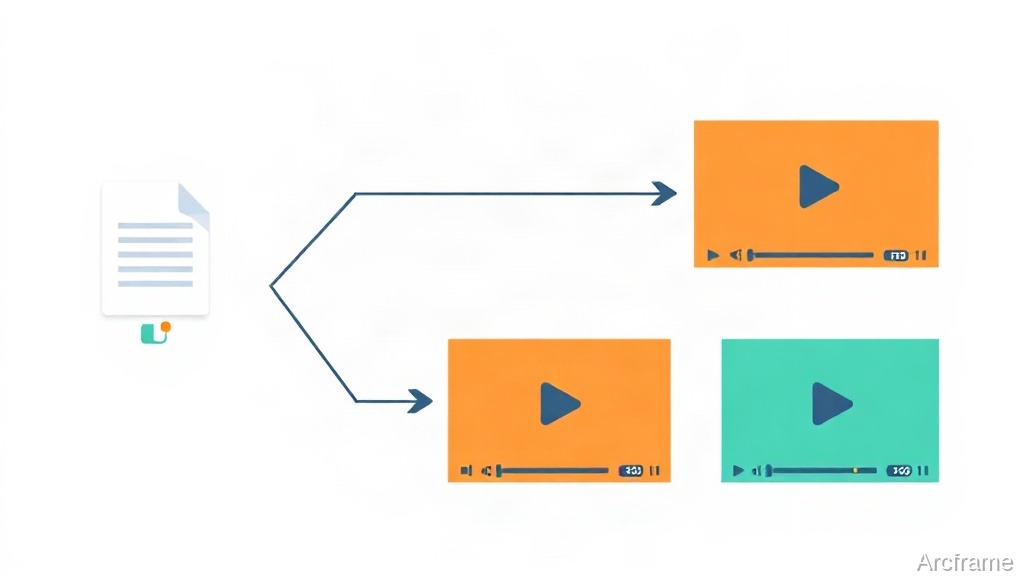
How to A/B Test Video Ads With AI-Generated Variants
You can generate 2-5 video ad variants from a single brief — each with a different hook, shots and call-to-action — and see the exact credit price before anything renders, so testing multiple creative angles no longer means briefing multiple editors.
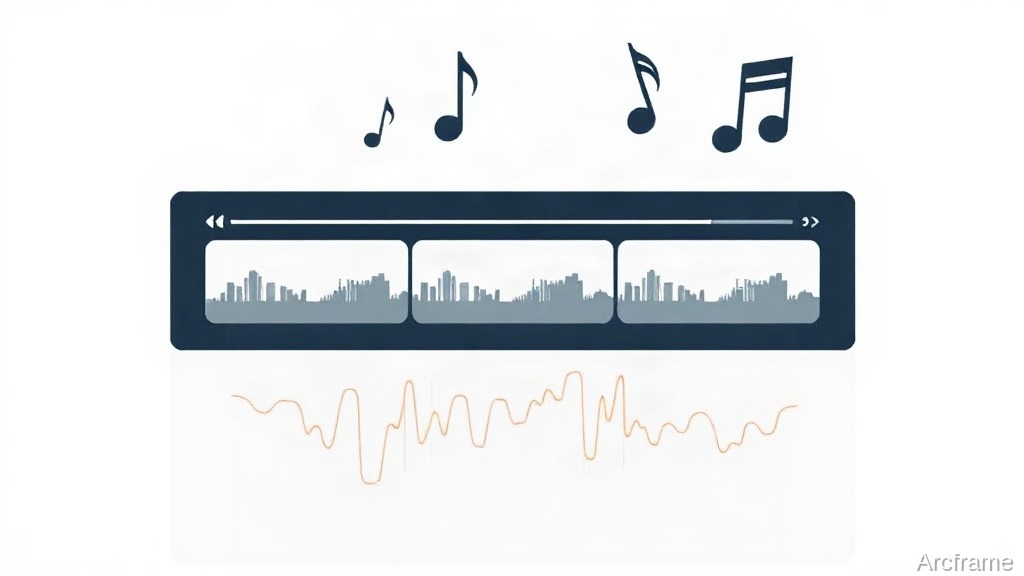
How to Add Background Music to an AI-Generated Video
A mood-matched soundtrack can be added to an AI video in one step and rendered free on every future export — here's how that works, what it costs, and when to upload your own track instead.
Can ChatGPT or Claude Generate Video? The 2026 Answer
No — as of late 2026, neither ChatGPT nor Claude generates video natively. OpenAI shut Sora down in April 2026, and Claude has never had a built-in video or image model. Gemini is the exception. Here's what each assistant actually does, and how to bridge the gap with an MCP connector.
How to Make an Animated Explainer Video From a Text Prompt
Describe what the video should explain and who it is for, add a chart or diagram if you have one, and get a narrated, animated explainer in 1080p — with no animator, no timeline and no stock footage.
How to Remove Filler Words and Long Pauses From a Talking-Head Video
Transcribe the voice, strike the ums and uhs from the text, and let the cuts follow — here is the fast way to clean up a talking-head video, what it costs, and when to still cut by hand.
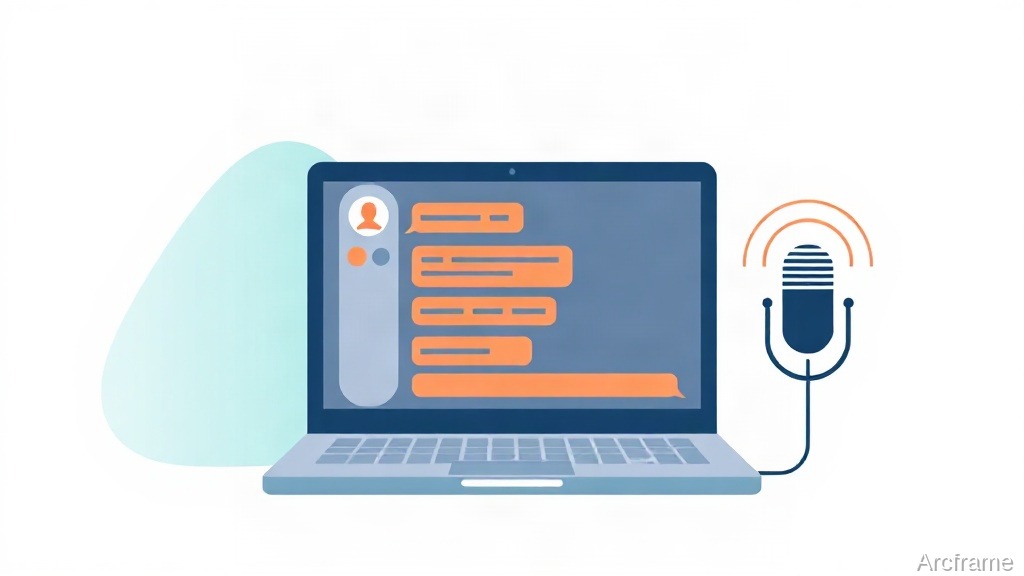
How to Generate an AI Voiceover or Podcast From Claude or ChatGPT
Yes — an MCP-connected voice platform lets you generate text-to-speech, clone a voice, or produce a two-voice podcast without leaving your Claude, ChatGPT or Cursor chat. Here's how the connection works, what it can and can't do, and what it costs.

How to Generate 3D Models From Claude, ChatGPT or Cursor
Yes — connect Arcframe's MCP server to Claude, ChatGPT or Cursor and you can turn a text prompt or a product photo into a downloadable 3D model (GLB) without leaving the chat, using models like Trellis, Meshy v6 and Tripo3D. It requires Arcframe's Starter plan or higher; 3D is the one modality not included free.
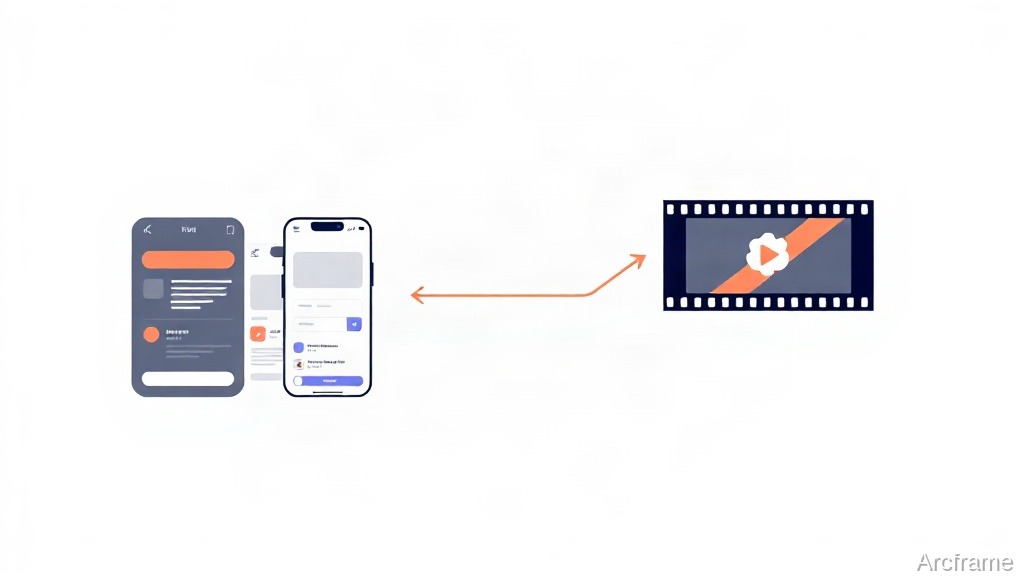
How to Turn App Screenshots Into a Narrated Demo Video
You don't need to record your screen to make a product demo video: feed a handful of app or website screenshots into a screenshot-to-video pipeline, and it plans a script, writes narration per screen, generates the voiceover, and renders the sequence into one video.
How to Make a Two-Voice AI Podcast From a Script
A dialogue-capable text-to-speech model can turn a script labeled "Host:" and "Guest:" into one finished two-voice audio file in a single generation — no recording, no stitching two clips together, and no manual timing.
How to Dub a Video Into Another Language With the Same Voice
AI voice cloning lets you dub a video into another language while keeping the original speaker's own voice, tone and pacing — instead of swapping in a generic narrator. Here's how the process actually works, what still doesn't match up, and when a plain subtitle or generic-TTS dub is the better call.
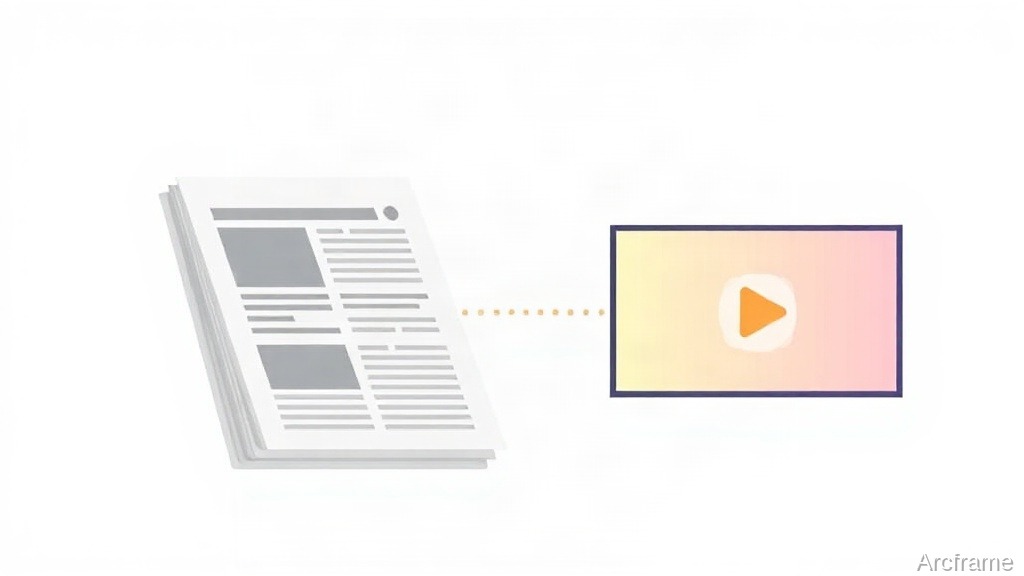
How to Turn a News Article Into a Video With AI
Paste a news article's URL into an AI news-to-video tool and it extracts the story, writes a script, and renders a narrated video in under two minutes — no filming, no editing software, no stock footage search.
How to Make a Multilingual Product Video for Indian E-Commerce
Upload a product photo or spec sheet, add a short script, and generate the same listing video narrated in Hindi, Tamil or another Indian language in minutes — no reshoot, no voice actor.
How to Generate AI Video and Images From Claude or Cursor
MCP lets you generate video, image, audio and 3D output directly from an AI assistant's chat window: add the server once in your client's settings, restart, and generation tools appear in that chat's tool picker — no separate app or upload step.
Turn a Research Paper or Whitepaper Into a Narrated Video
Upload a PDF, let each page become a visual beat, and add AI narration in your voice or a chosen language — that turns a whitepaper or research paper into a shareable video without an editor or recording booth.
How to Turn a Single Photo Into a Talking AI Video
Upload one photo, write a script, and generate a narrated talking video without filming: pick an image-to-video model, add TTS or a cloned voice in the right language, and render — no dedicated avatar software required.

Pay As You Go vs Monthly Plans: Which Is Cheaper for AI Video?
Monthly plans buy the cheaper credit; pay as you go costs less if you create in bursts. The live rupee and dollar prices, what each render actually costs, and how to pick between them.
Best AI Image-to-3D Models in 2026: Trellis vs Meshy vs Tripo3D
Trellis is fastest for quick previews, Meshy v6 balances detail and cost, Tripo3D gives cleaner topology, and Rodin produces the most photorealistic scans — there is no single best image-to-3D model, only the right one for the job.

Which AI Voice Model Should You Use for Indian-Language Narration?
For Hindi, Tamil, Telugu and most other Indian-language narration, a model built specifically for Indian languages (Sarvam Bulbul) beats general multilingual voice models on both accuracy and cost — but ElevenLabs and Gemini Flash TTS win for English-heavy scripts with occasional Indian-language lines. Here is the trade-off, with real per-model costs.