
AI Motion Graphics for Marketing: From Script to Branded Video in Minutes
How solo creators and marketing teams are using AI motion graphics to produce professional brand videos, product ads, and explainers without a design agency or video editor.
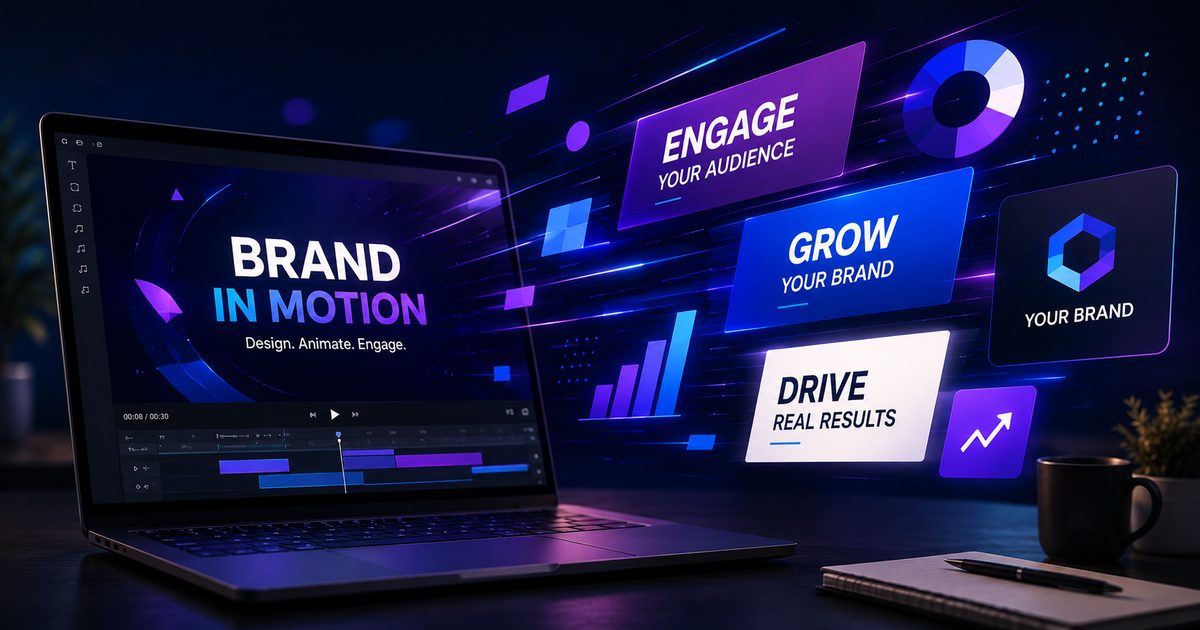
The cost of video production used to be the barrier — now it is not
A 30-second brand video from a production agency costs between $2,000 and $15,000. A freelance motion graphics designer charges $50–150 per hour, and even a simple explainer can eat 20 hours of production time. For most small businesses and solo creators, professional video was simply out of reach.
AI motion graphics changes the calculus entirely. You bring the script and the brand direction; the AI brings the production. Here is how to make it work.
What "motion graphics" means in the AI context
In traditional production, motion graphics refers to animated text, shapes, and graphic elements — the kind of thing you see in news broadcasts, tech product launches, and explainer videos. In Arcframe, the Motion Graphics video mode generates this style of output directly from a text prompt: animated titles, kinetic typography, brand-coloured geometric sequences, and data visualisation-style clips.
Pair it with the Script to Video mode for longer-form content with B-roll and narration, or with Assets to Ads mode for product-focused clips.
A practical workflow for brand videos
Step 1: Write a tight script segment
AI video models work best on 5–15 second segments. Do not try to generate a 60-second video in one prompt — instead, script your video in scenes and generate each scene separately. A three-scene video (hook, explanation, CTA) requires three generations and takes under five minutes.
Step 2: Describe the visual style in the prompt
Include your brand colours, typographic style, and motion language. For example: "Bold sans-serif text animating onto a deep navy background, brand colour electric blue (#0066FF) for highlights, clean geometric transitions, corporate-minimal aesthetic, 8 seconds".
The more specific your visual language, the more consistent the output across scenes.
Step 3: Use a reference image for consistency
Upload your brand logo or a brand style screenshot in the Branding panel (the palette icon on the prompt form). Arcframe passes it as a reference to the video model, which anchors the colour palette and graphic style across generations.
Step 4: Add audio
Switch to the Audio tab and generate a matching background track via the Music mode (Stable Audio 2.5), or record and clone your own voice for the narration. Download both assets and combine them in any video editor — CapCut, DaVinci Resolve, or even iMovie handles this in two minutes.
Real use cases where this workflow delivers
- Product launch announcements — kinetic product name reveal + feature callouts
- Social media ads — vertical-format 9:16 clips for Reels and TikTok
- Internal presentations — animated data points and section transitions
- Newsletter headers — short looping GIFs exported from video clips
- Pitch deck B-roll — background motion loops for investor presentations
Credits and cost comparison
Generating a complete three-scene brand video (3 × 8-second clips on Kling 2.5 at 8 cr/s, plus one 30-second music track at 20 cr) costs roughly 212 credits — about $0.50 at the platform's effective credit rate, versus hundreds of dollars for the equivalent from a freelancer.
The Pro plan at $39/month gives you 600 credits — enough for two or three complete brand video packages every month.