
5 Reasons Creators Are Switching to MCP for AI Video, Image, and Audio Generation
MCP is changing how content creators work with AI tools. Here are five concrete benefits of connecting Arcframe to your AI agent workflow — and why the old copy-paste method is already obsolete.
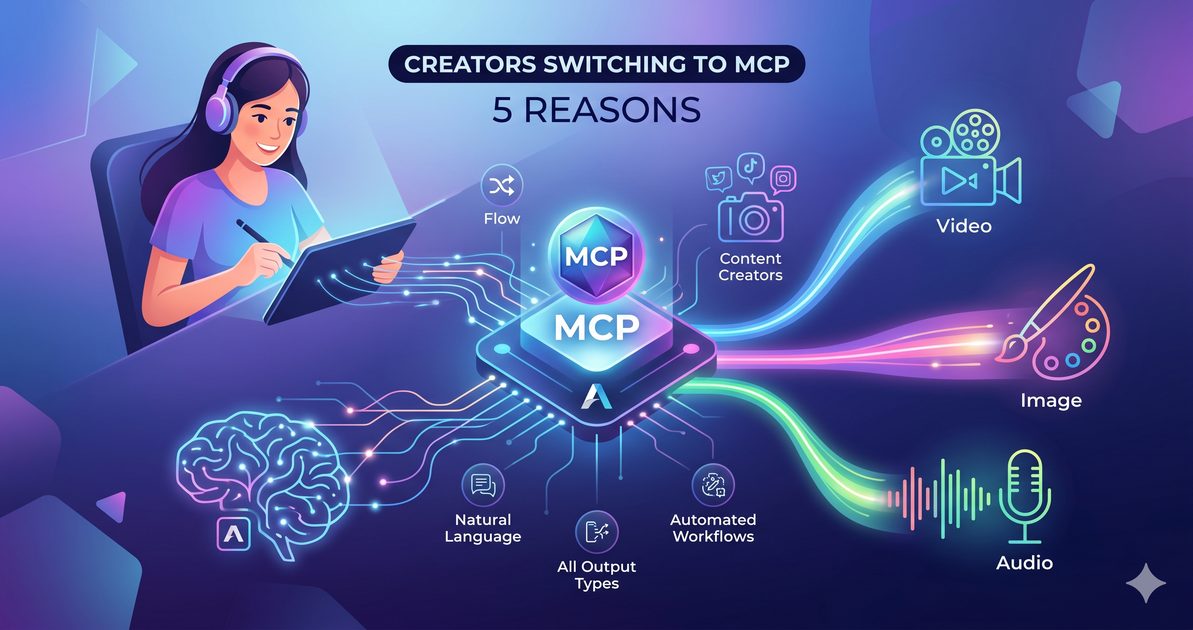
The Old Way vs the MCP Way
Before MCP, using an AI generation platform meant switching apps constantly: describe your idea in a chat tool, copy the text, switch to the generation tool, paste the prompt, wait, download the file, switch back. Every generation cost you context-switching time on top of the actual render time.
MCP eliminates the switching. Your AI assistant calls Arcframe directly, the job runs on your account, and the result comes back in the same conversation. Here are the five biggest benefits that flow from that change.
1. You Stay in Flow
Context switching is one of the biggest productivity killers for creative work. When your AI agent can generate a video or image for you without leaving the chat, you maintain the mental thread of your project. You can continue writing a script, planning a campaign, or editing copy while the generation runs in the background.
Arcframe's MCP server runs jobs asynchronously. You ask for a video, get a task ID back in seconds, and the agent polls the result — you do not wait at a loading screen.
2. Natural Language Is Your Interface
You do not need to learn parameter names, prompt engineering tricks, or model-specific syntax. You describe what you want in plain language, and the AI agent translates that into the right generation call with the right model and settings.
Want a 15-second cinematic product video using the latest model? Say it. Want a voice clone reading your script in a warm conversational tone? Say that too. The agent handles the tool call; you handle the creative direction.
3. Every Output Type in One Place
Arcframe supports Video, Image, Audio, and 3D in a single connected account. Over MCP, all four are available in the same chat session. You can generate a product image, turn it into a video, add a voiceover, and export the 3D model of the product — all in one conversation, all billed to one credit balance.
No juggling four separate platform subscriptions. No maintaining four separate accounts.
4. Reproducible, Agentic Workflows
Because MCP uses structured tool calls, you can build repeatable content workflows inside AI agents. Imagine a Claude project that automatically generates a promotional video and a matching social image every time you paste a new product description. With MCP, that workflow is just a few prompts and a saved Claude project — no code required.
Power users can layer Arcframe's MCP tools into multi-step agent pipelines alongside other tools: web search, email, calendar, document editing. The possibilities are limited only by what your AI client supports.
5. Transparent Billing — Exactly What You Used
Every generation through MCP deducts credits from your Arcframe account at the same rate as the web interface. You can call get_balance at any time to see your remaining credits, and every generation appears in your creation history at arcframe.ai/assets.
There are no hidden API fees, no per-call overhead, and no different pricing tier for agent access. If you are on the free plan, you use free-plan credits. If you are on Studio, you use Studio credits. Same rates, same models, same tier access — just a different interface.
Get Started Today
Connecting Arcframe to Claude, ChatGPT, or Cursor takes under two minutes. Visit arcframe.ai/mcp, copy the server URL, and follow the one-click OAuth flow. A free account comes with 20 starter credits — enough to test the full MCP workflow before you commit to a plan.