
How to Make an Animated Explainer Video From a Text Prompt
Describe what the video should explain and who it is for, add a chart or diagram if you have one, and get a narrated, animated explainer in 1080p — with no animator, no timeline and no stock footage.
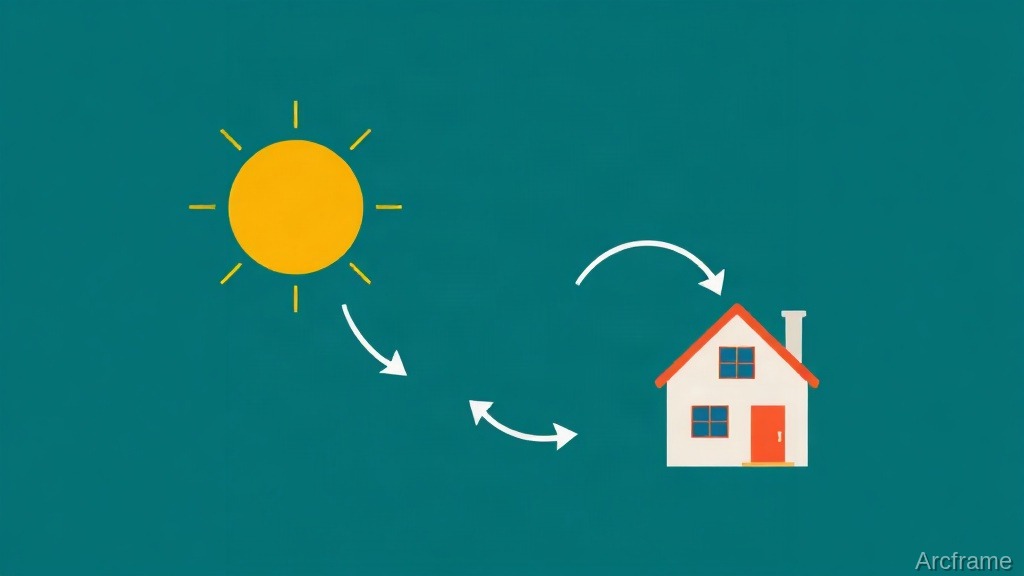
You can now make an animated explainer video from a single text prompt: describe what the video should explain, who it is for and roughly how long it should be, and an AI tool plans the scenes, writes the narration, animates each scene and voices it. With Arcframe Studio the result is a 1080p MP4 with word-timed captions — no animator, no timeline and no stock footage.
What makes a good explainer prompt
The prompt is the brief, so write it the way you would brief a designer. Three things matter most:
- The one idea. "How rooftop solar power reaches your home" beats "solar energy". An explainer that tries to cover everything explains nothing.
- The audience. "Homeowners with no technical background" changes the words, the pace and the examples.
- The length. Say it — "about 90 seconds". A stated length is honoured when the scenes are planned.
If the idea depends on real data, add it as an image: Studio can draw from up to 12 reference images — a chart, a diagram, a table — and either redraw them in the video's style or show them exactly as they are.
How Arcframe Studio builds it
- Plan. Studio breaks the brief into scenes — up to 24 — each with its own point and its own narration.
- Review before you spend. Read the plan and every line. Change the words, reorder, skip or delete scenes before anything is voiced.
- Write and animate. Each scene is authored as animation on the full frame: shapes that draw themselves, labels that reveal, arrows that travel.
- Voice. English narration in ElevenLabs voices, Indian English voices from Sarvam, or your own cloned voice, with captions timed to every word.
- Render and share. Render a 1080p MP4, add background music if you like, and send a free review link so a colleague or client can comment and approve.
What it costs
| Step | Credits |
|---|---|
| Starting a design | Free |
| Planning | 1 credit per reference image |
| Writing and animating a scene | 30 credits |
| Voicing | 2–5 credits per 1,000 characters, by voice |
| Background music | Made once, from 4 credits |
| Rendering and review links | Free |
A six-scene, roughly 90-second explainer is therefore about 180 credits for the scenes plus a few for the voice. Each step shows its price on its button before you run it, and a step that fails is refunded.
Explainer or product demo?
If the video is about your software, start from screenshots instead: Studio's product demo mode turns up to 40 screenshots into a narrated walkthrough, in 16:9 for desktop or 9:16 for a mobile app. Choose the explainer when the subject is an idea, a process or a piece of data rather than a screen.
Quick answers
Can the narration be in Hindi or Tamil? Not in Studio — it narrates in English today. For Indian-language narration, turn a deck or PDF into video with Arcframe's Document to Video, which speaks eleven Indian languages.
Can I change one scene without redoing the video? Yes. Rewrite a single scene with a note, or edit its on-screen text directly for free, then render again.
Is it on the free plan? Yes — Arcframe Studio is on every plan, and new accounts get 20 free credits. See how it works.