
How to Turn a Single Photo Into a Talking AI Video
Upload one photo, write a script, and generate a narrated talking video without filming: pick an image-to-video model, add TTS or a cloned voice in the right language, and render — no dedicated avatar software required.
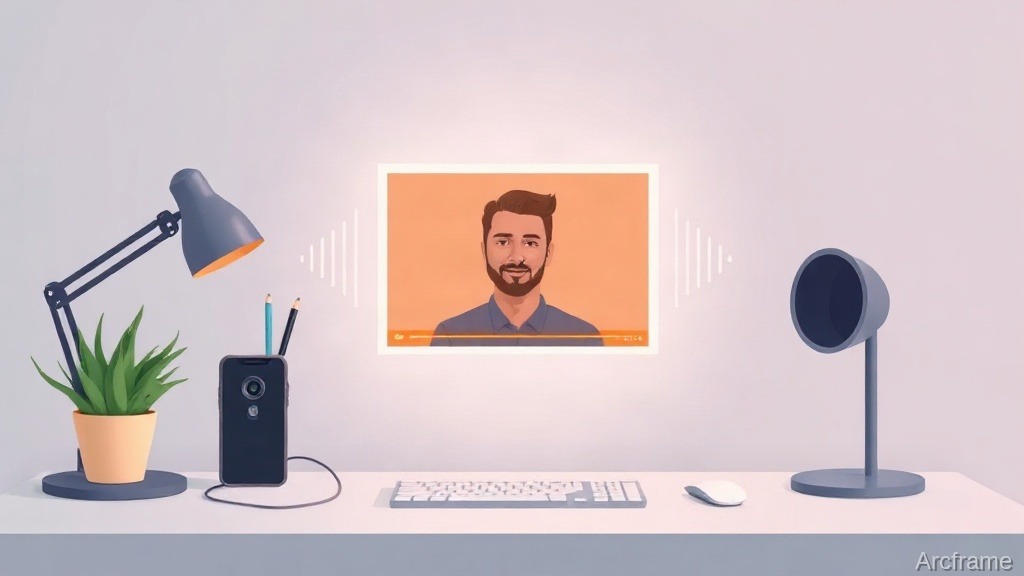
You can turn a single photo into a talking, narrated video without filming anything: upload the photo, write or paste a script, generate a voiceover in the language and voice you want, and feed both into an image-to-video model. The whole process runs in a browser and produces a short clip of that image "speaking" the script, with natural head and body motion timed to the audio rather than a static slideshow. It takes a few minutes per clip and needs no camera, actor, or studio.
What "talking photo" actually means here
Two different things get called "AI avatar video," and it's worth separating them before you pick a tool:
- Dedicated avatar platforms (the D-ID / HeyGen / Synthesia category) are purpose-built for lip-synced presenters: they map audio phonemes to mouth shapes frame-by-frame, often on a pre-built avatar library or a trained custom avatar.
- General image-to-video generation applied to a photo — which is what this guide covers — takes any photo you already have and animates it against a script or audio track using a general-purpose video model. Motion is naturalistic (head turns, blinks, gestures, subtle mouth movement synced to speech rhythm) rather than frame-accurate lip sync on every syllable.
If you need broadcast-perfect lip sync for a talking-head training course, a dedicated avatar tool is the narrower, more specialized answer. If you want a spokesperson-style clip from a product photo, a founder headshot, or a customer photo for an ad — and you'd rather not manage a separate avatar tool, a separate TTS tool, and a separate video editor — animating the photo directly is faster and keeps everything in one place.
The steps
| Step | What you do | What handles it |
|---|---|---|
| 1. Photo | Upload any portrait or product photo (or generate one from a text prompt) | Image generation or your own upload |
| 2. Script | Write the line(s) the photo will "say" | Plain text, optionally run through prompt enhancement |
| 3. Voice | Generate narration in the target language, or clone your own voice first | Text-to-speech models, including 11 Indian languages, or voice cloning |
| 4. Animate | Feed the photo and audio into an image-to-video model | Video generation, image-to-video mode |
| 5. Export | Download the finished clip | MP4 output |
Because video, image, audio, and voice cloning are all part of Arcframe's four modalities, none of those five steps requires leaving the platform or exporting a file to feed into a second tool.
Choosing a voice
Two paths for the audio track:
- Text-to-speech — pick a stock voice and language. This covers English and 11 Indian languages, so a photo can "speak" Hindi, Tamil, Telugu, or another regional language directly, which matters for ads and training content aimed at a specific market.
- Voice cloning — record a short sample of your own voice (or a spokesperson's, with their consent) and generate narration that sounds like them, in any script you write afterward. Useful when the same person needs to appear in many clips without being re-recorded each time.
Either way, the audio is generated first, then passed to the video step so the animation timing follows the actual narration length rather than a generic clip duration.
Where this is a strong fit — and where it isn't
Good fits: a founder or team-member photo narrating a product update, a customer photo for a testimonial-style ad, a static product shot getting a voiced pitch, or a course thumbnail that needs a few seconds of spoken intro. These are short clips where naturalistic motion reads fine and the value is skipping a camera shoot entirely.
Not a good fit, in honesty: a 20-minute talking-head course where viewers will scrutinize mouth movement frame by frame, or a use case that specifically requires a trained, reusable custom avatar identity across dozens of videos. That's the job a dedicated avatar platform is built for, and general-purpose image-to-video won't match it on lip-sync precision.
What it costs
Cost depends on which video model animates the photo and how many seconds you render — models vary in credits-per-second, and TTS is priced per character rather than per clip. Rather than guess at numbers that go stale, the current model list and live credit costs are on the pricing page, along with what's included on the free tier.
Quick answer, restated
Yes — a single photo can become a talking video today by pairing an image-to-video model with generated or cloned narration, no filming and no separate avatar tool required. Expect naturalistic motion synced to speech rhythm rather than frame-perfect lip sync; for short spokesperson-style clips that's a fair trade for skipping a camera setup entirely, and for a long lip-sync-critical course it isn't the right tool.